| Google Analytics |

|
|
|

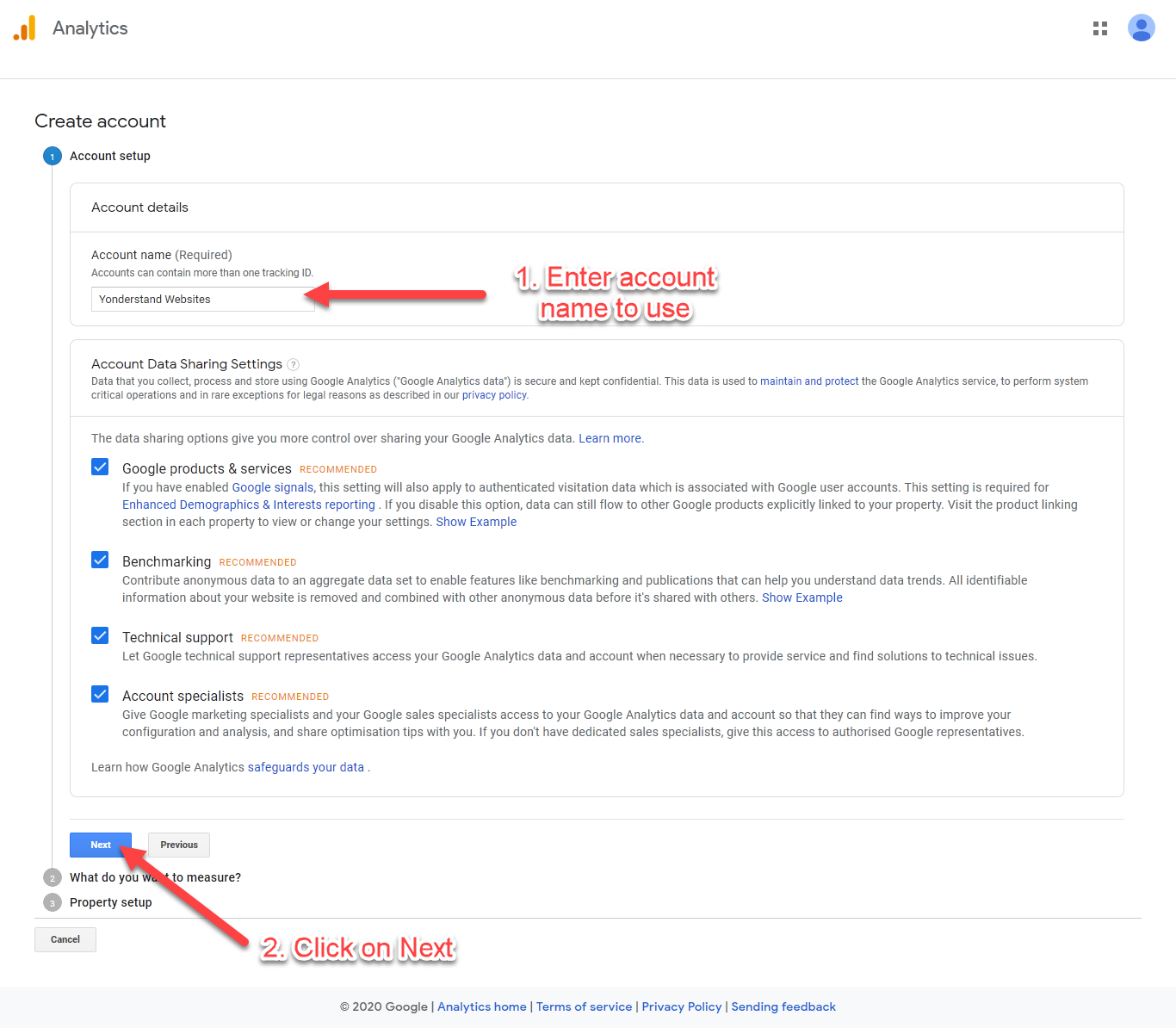
Use the Gmail account you will like to take track your website(s) with.
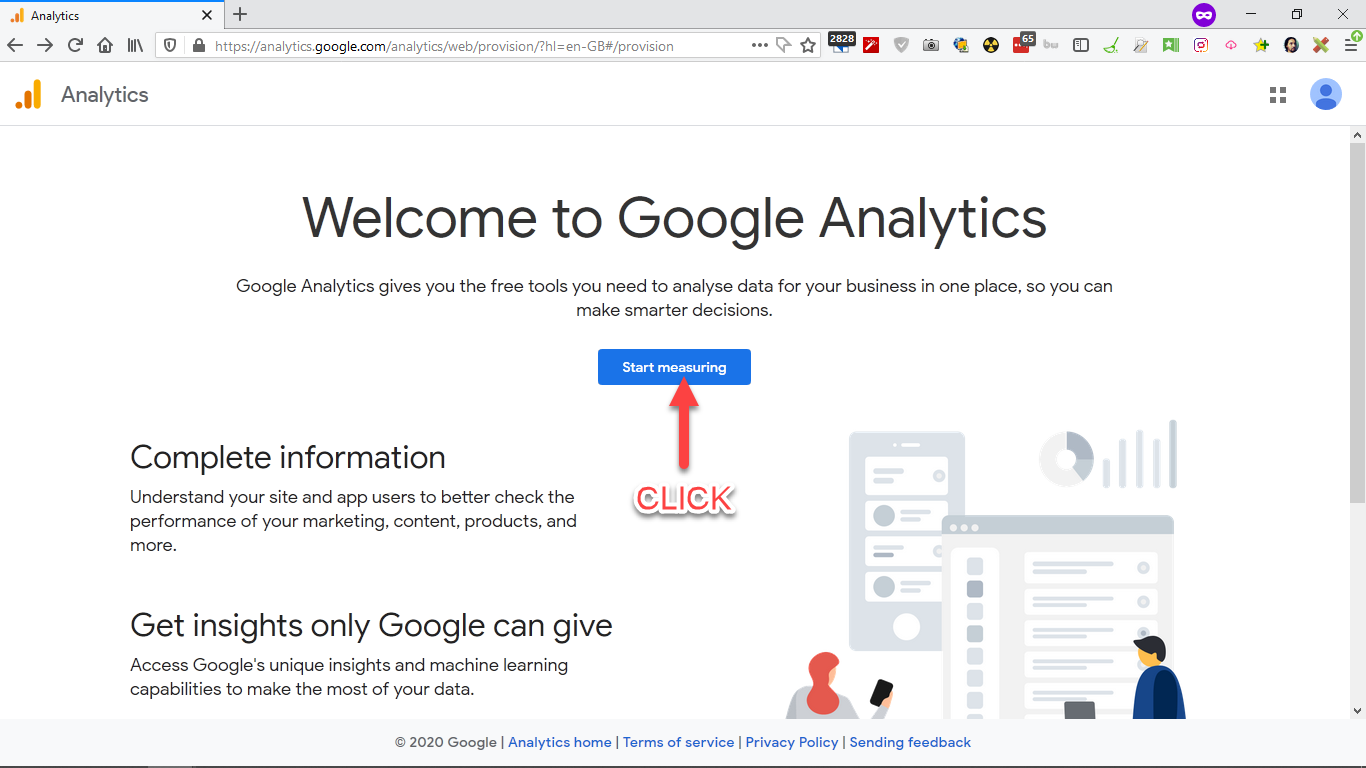
Use this link to get started: https://analytics.google.com/
This account will be used to track your website(s).
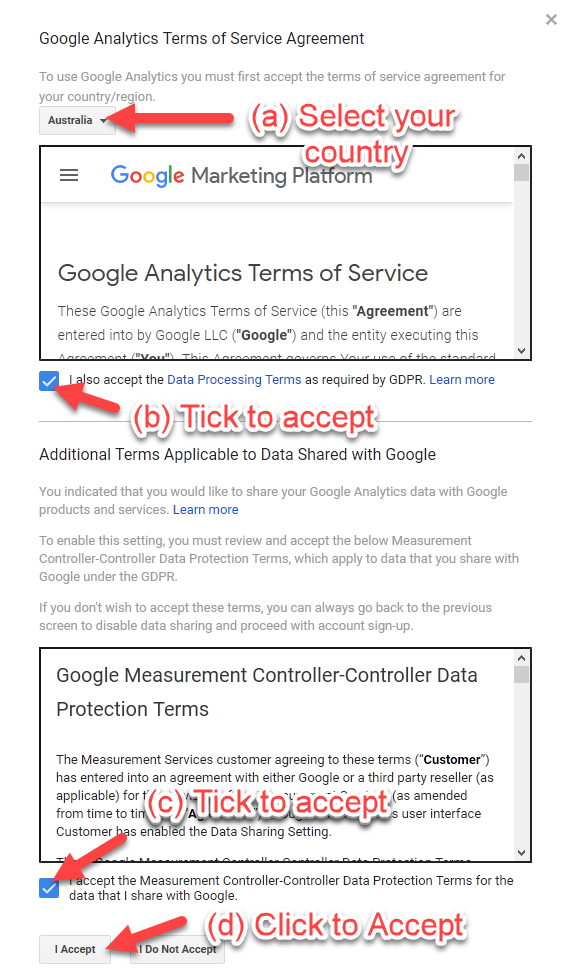
At this point several offers may popup. Accept or reject them.
|
||||||||||||||||||||||||||||||||||||||||||||

|
Another Userfriend.ly Website by Omnifico Copyright © 2026 Flexesite CMS Powered by Flexesite Login |